
I have stopped looking up words in my Webster’s College Dictionary a while back. I used their online version for the longest time before I started using other super fast means of finding meaning for words in the internet. I have listed them in the order I have found and used them, Google being the first. Here they are:
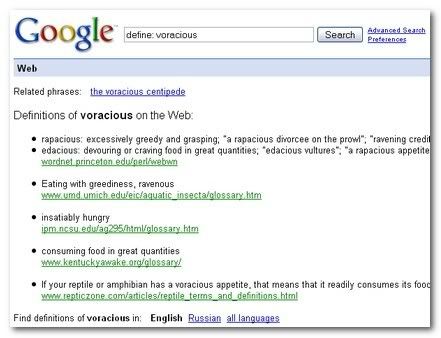
Google’s Define Query
The simplest and fastest way is to use Google’s search interface. Just type ‘define: voracious’ (without the quotes) in the Google search box to get the meaning of the word ‘voracious’. It’s simple, fast and you can use the same familiar interface you use to search for other things.
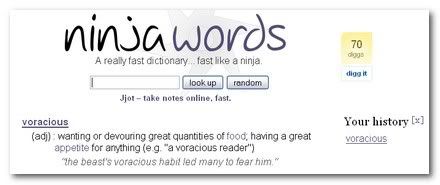
Ninjawords
As geeky as the name sounds, this dictionary is fast like a ninja! Just try it to find out just how fast. Ever since I’ve found Ninjawords, that’s where I go first to get meanings for the words I am looking up.
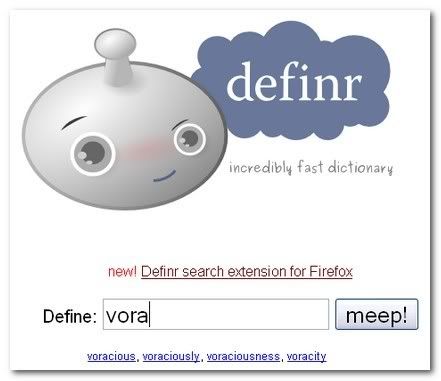
Definr
Definr is my latest find and I just love it. It is fast plus it is such a life saver if you are not sure about the spelling. It lists words and its variations as you start typing so you can just click on the one you want to look up. Plus, if you are a Firefox user, Definr lets you look up words super fast by these easy ways:
- It has a Firefox extension to add Definr to list of search engines.
- Type definr/voracious in Firefox and hit Ctrl+Enter to get you the meaning for voracious.
- Drag and drop their bookmarklet to your toolbar
OneLook (Thanks Jeanne!)
OneLook has a quick dictionary feature just like the others for quick lookup. But, it is more like a search engine for words and phrases. It has more than 5 million words from over 900 dictionaries indexed! As Jeanne explains in the comments, it is a great resource for anyone trying to build their vocabulary or just plain looking up word’s meaning or origin, etc.
If you are a person who loves to learn new words, the Reverse dictionary feature can be fun to play with! I once had a Reader’s Digest Reverse Dictionary and had so much fun learning new words.
What do you use for your dictionary needs? Do you find one of these useful enough to bookmark and use later?


Hey nice tools there.
I was a fan of Google define operator, and had been using it regularly.
But one day, I found out HyperWords FF extension, and all my definitions are just a right click away now. It can fetch meanings from many sources including Google, Wikipedia, etc.
Hey Shankar! Thanks buddy. I have used Hyperwords before but I am not sure why I got rid of it. I guess I’ll have to try it again to remind myself.. but something like that is very useful and I think there is a couple of other extensions that were close to it as well. Thanks for the reminder. 🙂
Aha! Something new to download yay haha. Thanks buddy. You never let me down
Nice tools, generally I use Google define operator.
Brown.. it must have been late at night when you typed this! 😈
Nirmal.. thanks dude! It is really handy when you already have a google search page open or just use it from Firefox search bar.
Hmmm, I think I just use dictionary.com and thesaurus.com. 😀
Those look better, but I don’t use them very often.
Kyle, those are very good as well but like Google’s search I like the clean interface offered by the other 2. 😀
One Look Dictionary Search (http://www.onelook.com/) is good, too. It gives you access to 986 different dictionaries, including specialized dictionaries–though it does give you a “quick definition,” as well (while also listing the major general dictionaries that define your word.) Another neat thing it offers is a reverse dictionary feature. Very interesting site!
I know you’re looking for “quick” here, and One Look’s “quick definition” does fit that criterion. At the same time, if you should need them, you’ll also have access to the other references and features that are available at this site.
Jeanne
Jeanne.. that is an excellent addition. I like the ‘quick’ definition and the availability of other resources ‘right there’ if needed! I love learning new words although I try to keep my language in my posts to simple English. I am going to update this post with OneLook!
Good one…I regularly use Google define. There is a Dictionary Tooltip Firefox extension which i am currently using is also easy to use. Just by double clicking the word pops up a tooltip which brings the meaning, history usage and from various websites. Give it a Try….
Eshwar, sorry I somehow slipped not replying to your comment! 😕
I have used the firefox extension before somehow lost it during upgrades or whatever. I will have to install it again. Thanks for the tip 🙂
I’ve just published a new online dictionary/thesaurus, memidex.com. It has extensive cross-referencing, complete inflections, simple interface, and frequent updates.
Memidex doesn’t (yet) have any fancy search features like definr.com and ninjawords.com, 🙁 but my tests show that pages download as fast or faster. 🙂
It is informative.nnBTW I love the way you write and update your social pages with most of this advanced plugins (.i.e the plugin that helps us tweet your post at the bottom of each post). You’re to good about social networking.